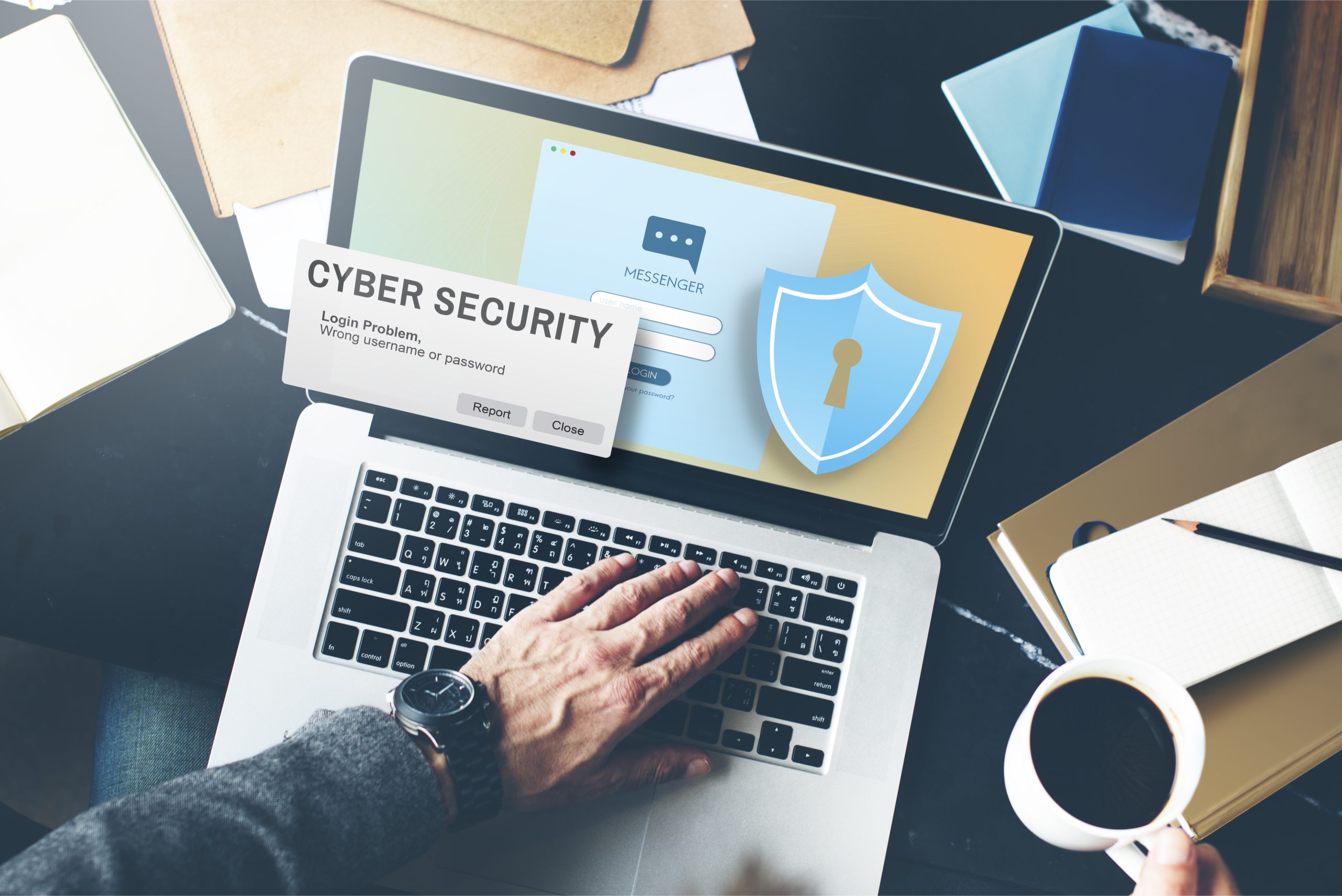
The local office is the place where, if possible, one should devote oneself to his work in times of corona virus. It gives you the best possible protection for yourself and all colleagues and fellow citizens.Oft a problem: In this case, the protection of IT is often not as good as in the company itself.
Many companies who had no home office rules before the Corona crisis currently allow employees to use their private computers to maintain the operation. However, this represents a significant risk of security!
With these five tips from our product manager Julian, employees and employers are also on the safe side of IT in the home office:
1.The work tool
If possible a computer set by the company or Use laptop. Here, as a rule, a current virus protection or preinstall a security software and activates the firewall(if not: change unconditionally!). If you need to use or use a private computer, you should: Serious security software Install and always keep up to date.
2.The connection to the company network
One VPN service (Virtual Private Network) should also be standard. This is a secure connection to the corporate network to access all relevant documents and structures.
3.Two-factor authentication
The VPN service can also be provided by a Biometric biometrics Two-factor authentication They are made even safer. Here, something you know by heart (e.g. login data, password etc.) is combined with something you have (e.g. a biometric feature such as the voice, the face or the hand vein) and thus only grants access to the right person.
4. Employee access authorization
When working via VPN, the employer should pay attention to Access rights so that each person can only access the information relevant to them. This is very simple and safe about a PAM solution (Privileged Account Management) possible, e.g. from our partner Thycotic.
5.The Wi-Fi
Exclusive secure WLAN networks use. For the domestic WLAN should still be assigned as strong a password as possible, which is changed at regular intervals.
Do you want to prevent the evil IT awakening from the home office? Just contact us and we will make sure that your company does not have to worry about this problem anymore!